


Latest news about Strides
Catch up with the latest news about Strides Software.
← All the news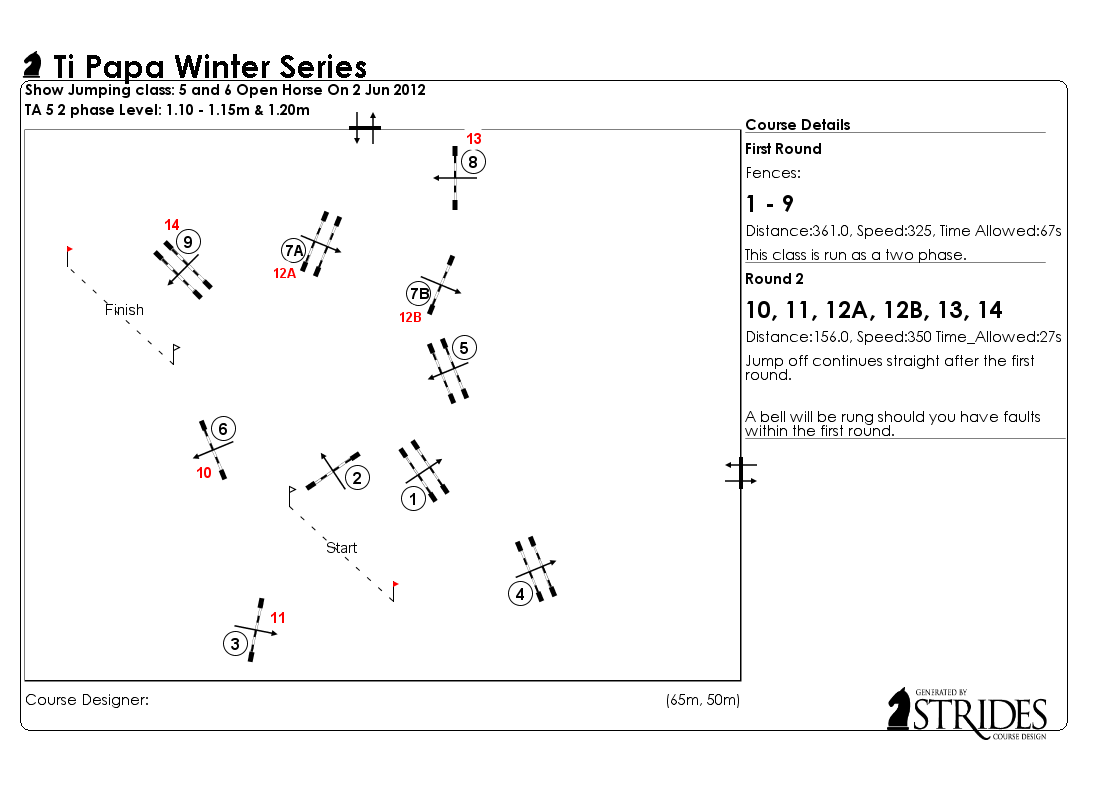
New features to adding comments for each round
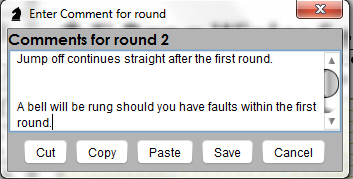
You can edit your comments using cut, copy or paste. Write your comments in a word processor with the spell checker on and simply paste the comments onto the comments dialog box. To use these editing tools use the buttons on the bottom of the dialog box. This feature allows you to add repeated comments for multiple courses.
These comments will now be displayed in multiple lines or wrapped into a single paragraph. This allows you to be able to organise your comments should you require extra information or conditions to your course.
These comments will now be displayed in multiple lines or wrapped into a single paragraph. This allows you to be able to organise your comments should you require extra information or conditions to your course.
